No Internet? Here's How To Make A UPI Payment Offline
October 13, 2026
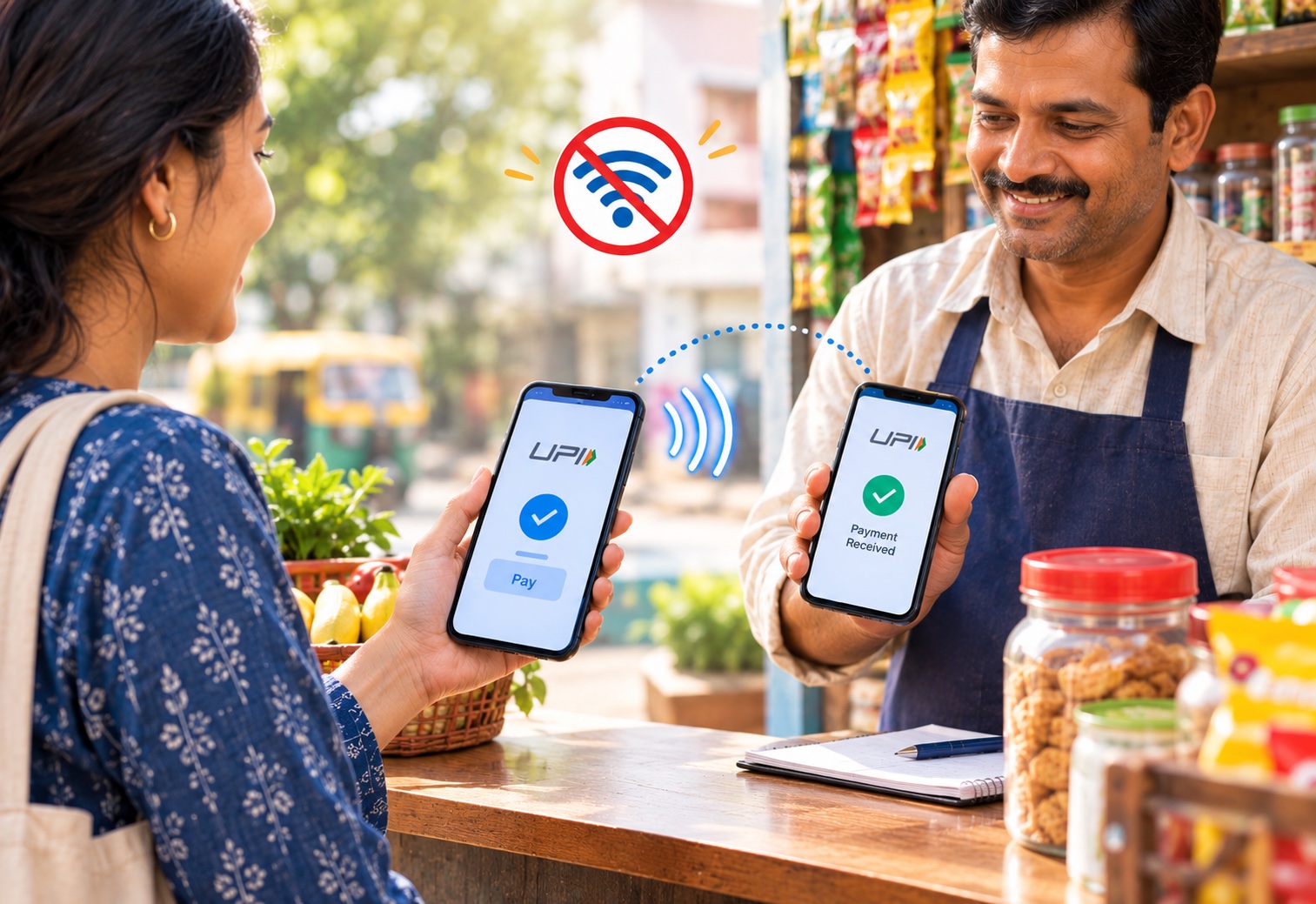
UPI (Unified Payments Interface) has now become the easiest way to make payments; simply scan the QR code and pay without any hassle. Have you ever wondered how you would make a payment if the internet went down due to a strike or if you ended up with no internet connection for some other reason?
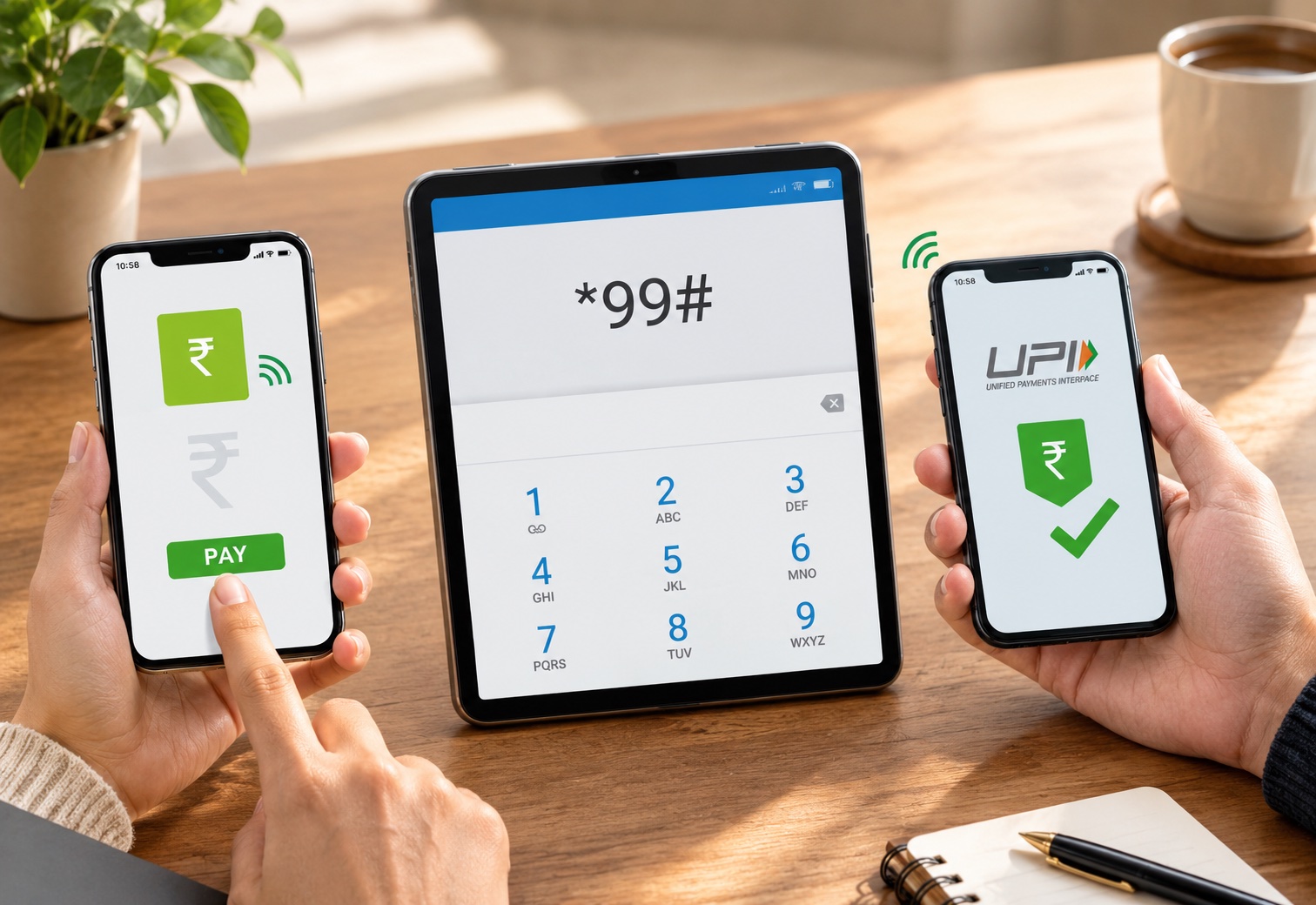
All your transactions could come to a halt, right? But did you know that UPI transactions can now be made even without the internet? Surprised? Well, it’s true. You too can avail yourself of this offline UPI payment service and other banking-related services; simply dial *99# on your phone, and you will be able to perform banking transactions easily without the internet.
Now, hold down your breath and take a deep dive into this comprehensive guide and know about the entire process of completing the UPI payment without internet successfully without any exasperation.
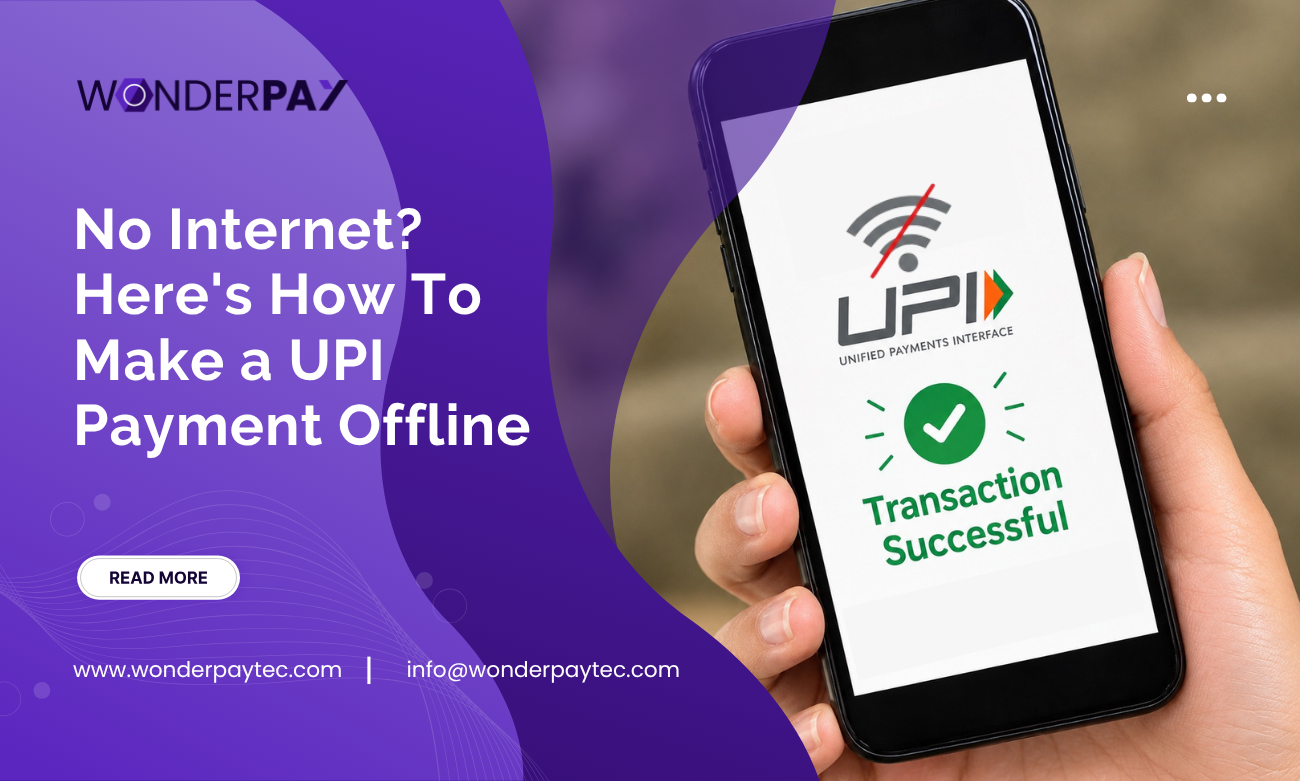
Successfully completing UPI transactions without using the internet is basically referred to as UPI offline payment. An individual does not require active mobile data or an internet network. From your registered number, just dial the offline UPI payment number *99#, and it works with USSD (Unstructured Supplementary Service Data) cellular telephony throughout 83 leading banks in India.
Currently, amount limit per transactions is approximately Rs. 5000 and it chargeable around Rs. 0.50 per transaction.
Also Read: UPI Payment Charges & Fees in India: Complete Guide 2026
It totally varies on the method it has been utilised to complete the offline UPI payment.
In scenarios like no internet connection, an individual can still make the UPI payment without internet.
For instance, the services of offline UPI payment number *99# runs through USSD technology, which permits an individual to acess the banking and payment related services through mobile connection.
This kinda services makes the UPI payments more accessible. It can be more convenient in scenarios like:
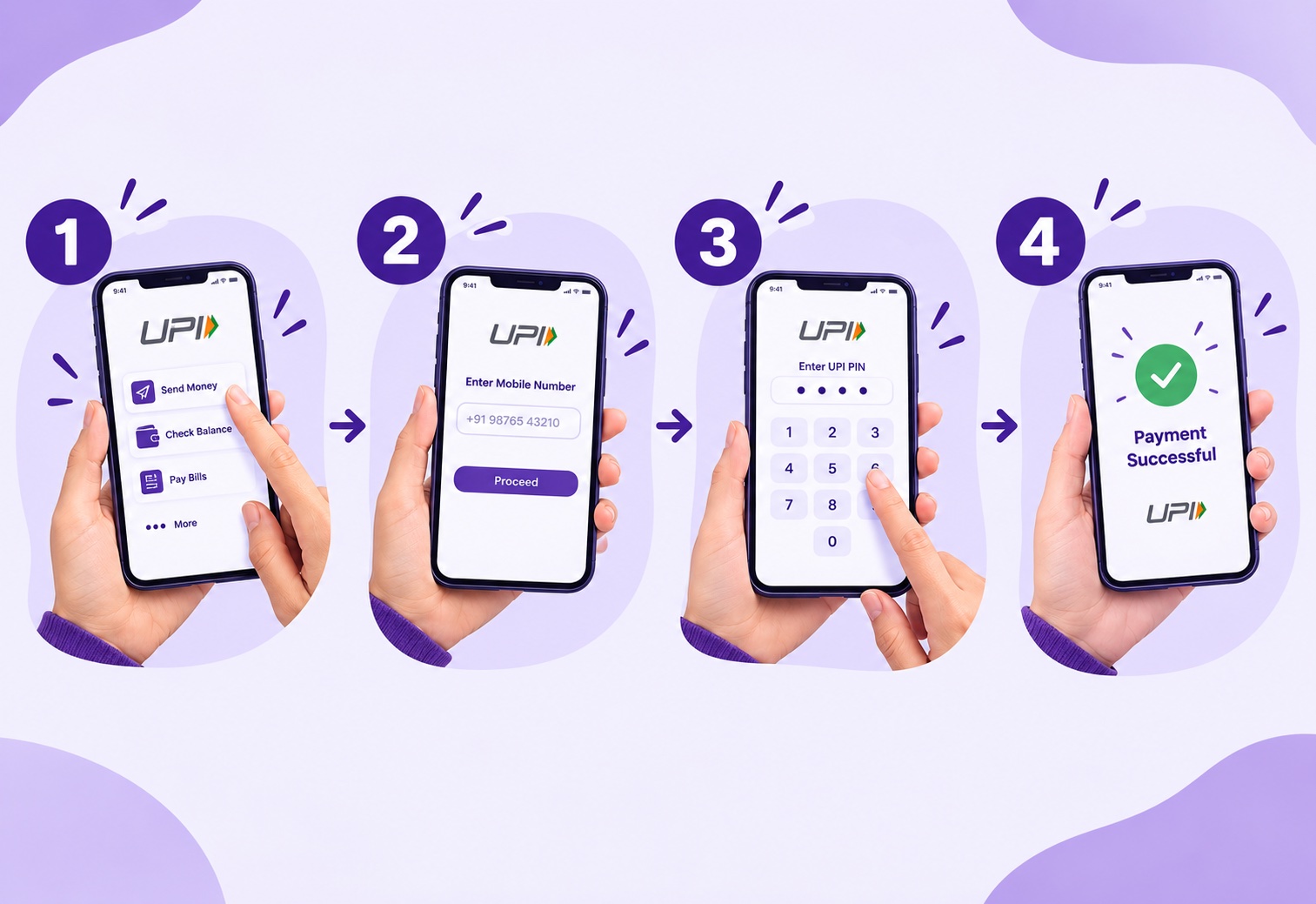
If you end up with no internet connection or far from the internet connectivity area. No worries! As we discussed above, you can still make an offline UPI payment. But for this first, you need to understand the entire procedure and steps to complete it successfully and hassle-free. Let’s take a look at those steps:
Step1: Dial *99# from the UPI-registered number to access offline payment services.
Step 2: You will see several payment-related service options across the screen. Select “Option 1” and “Send Money”. This is one step forward towards initiating an offline payment.
Step 3: Give the information of the account you need to transfer the amount from, i.g., UPI ID, contact number, saved beneficiary, and other details.
Step 4: If you have done with choosing money transfer through mobile number, enter the UPI-registered number of the receiver.
Step 5: Enter the amount you need to transfer, but ensure the limit per transaction is approx Rs. 5000.
Step 6: Verify the payment amount and ensure it is mentioned correctly before initiating with proceeding.
Step 7: The UPI system will assist you in entering the correct UPI PIN; enter it correctly.
Step 8: After entering the correct UPI PIN, you can complete the offline UPI payment successfully.
However, you can also disable these payment-related services by dialing the offline UPI payment number *99# from your registered contact number and follow the assistance.
Similar read: UPI Charges From October 15, 2026: New MDR Rules Explained
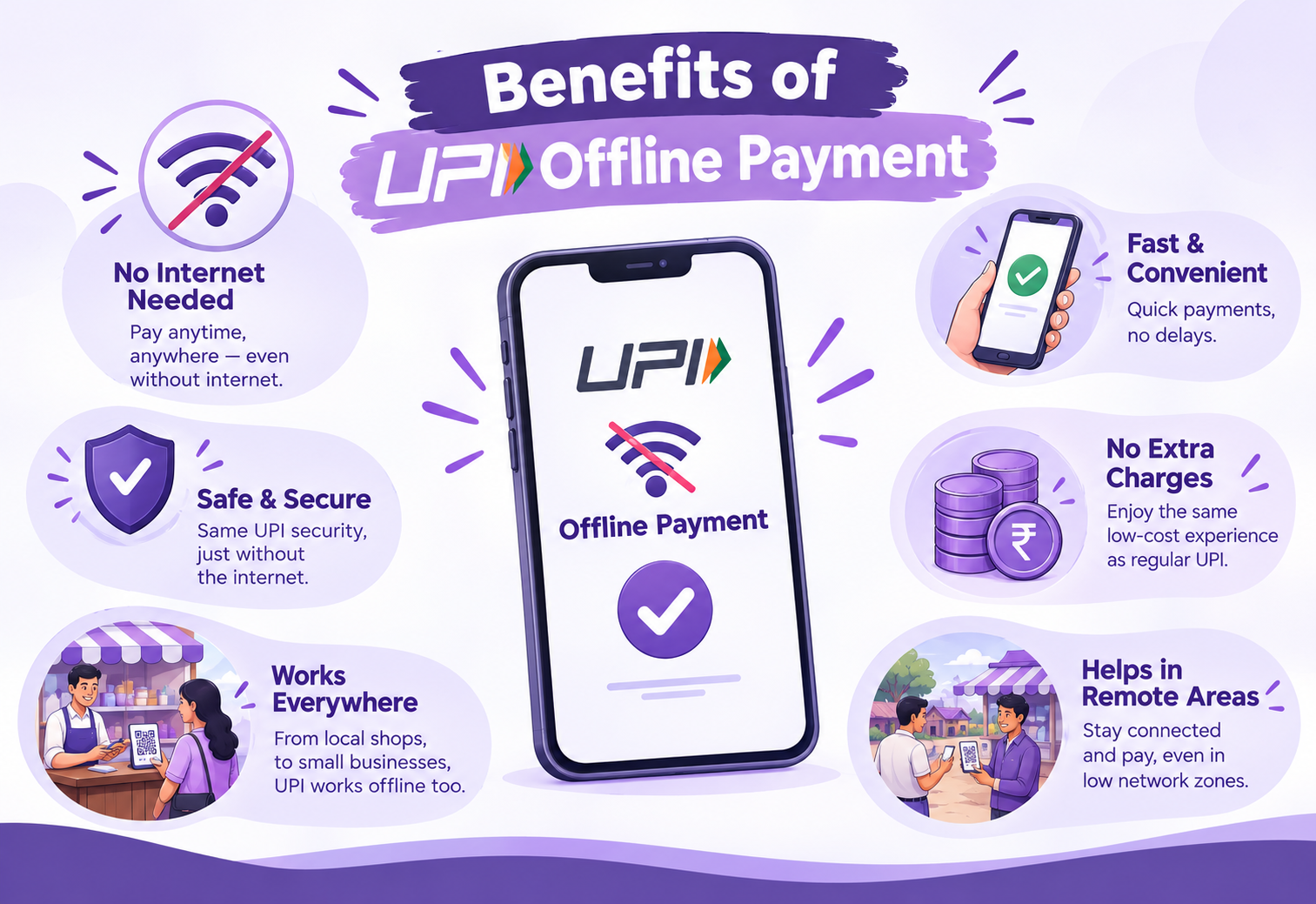
The UPI offline payment makes digital transactions more convenient and accessible even when there is no internet connection. This is an alternative to complete the transaction that supports the wider adoption of digital transactions.
The services of offline UPI payments enable individuals to complete transactions without depending on internet connectivity; transactions are accessible even in low-connectivity areas,
This alternative can be beneficial for individuals who are residents of rural or remote areas where internet connectivity is quite subdued that make digital transaction more convenient.
When the regular UPI app is not accessible due to a poor internet connection, UPI offline payment is considered as an alternative for completing the payment.
This service is beneficial for low-value transactions, i.e., paying small shops for routine purchases.
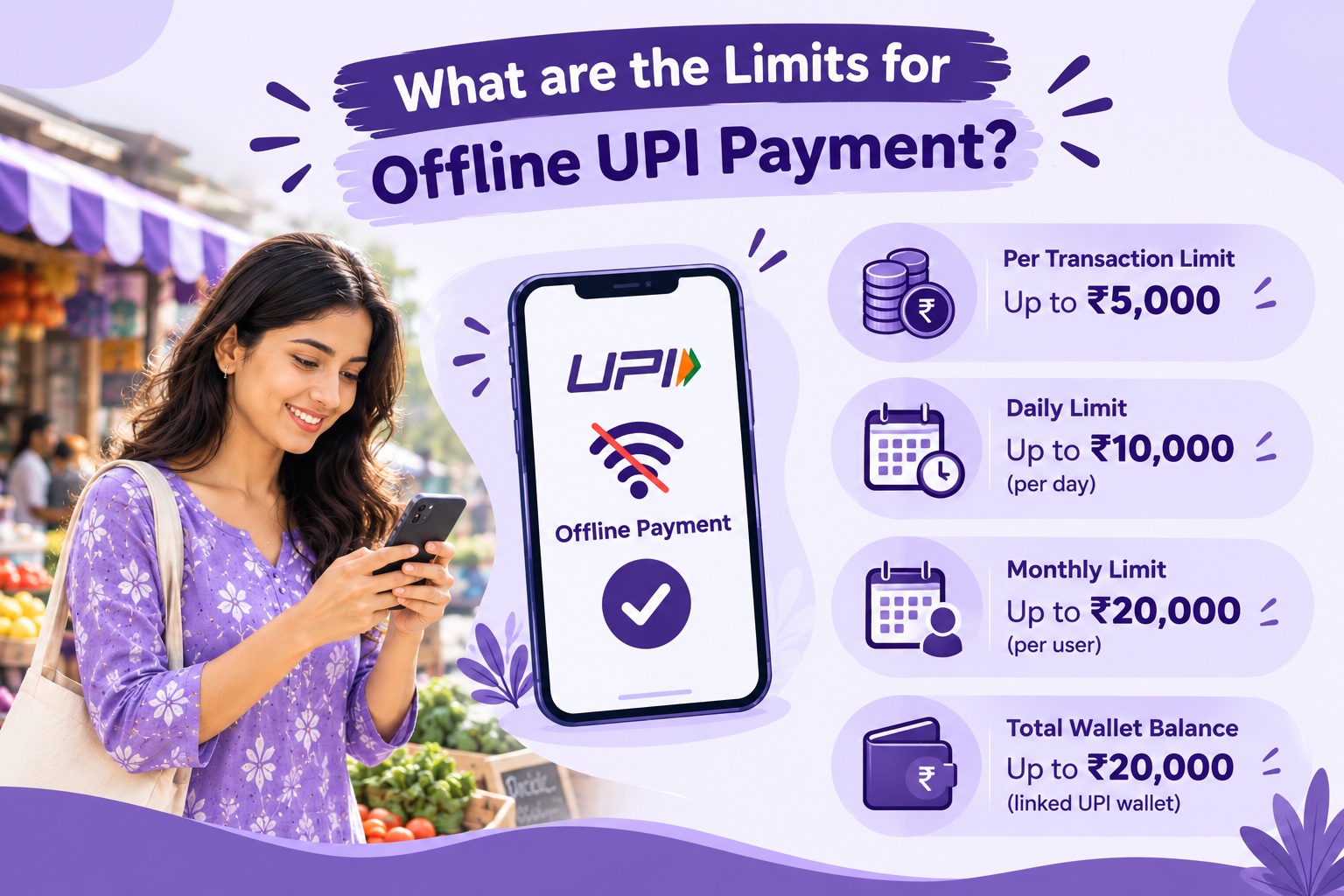
Basically, offline transaction methods are subject to balance and transaction limits.
And the limits can be different totally based on the method utisling. For instance, the
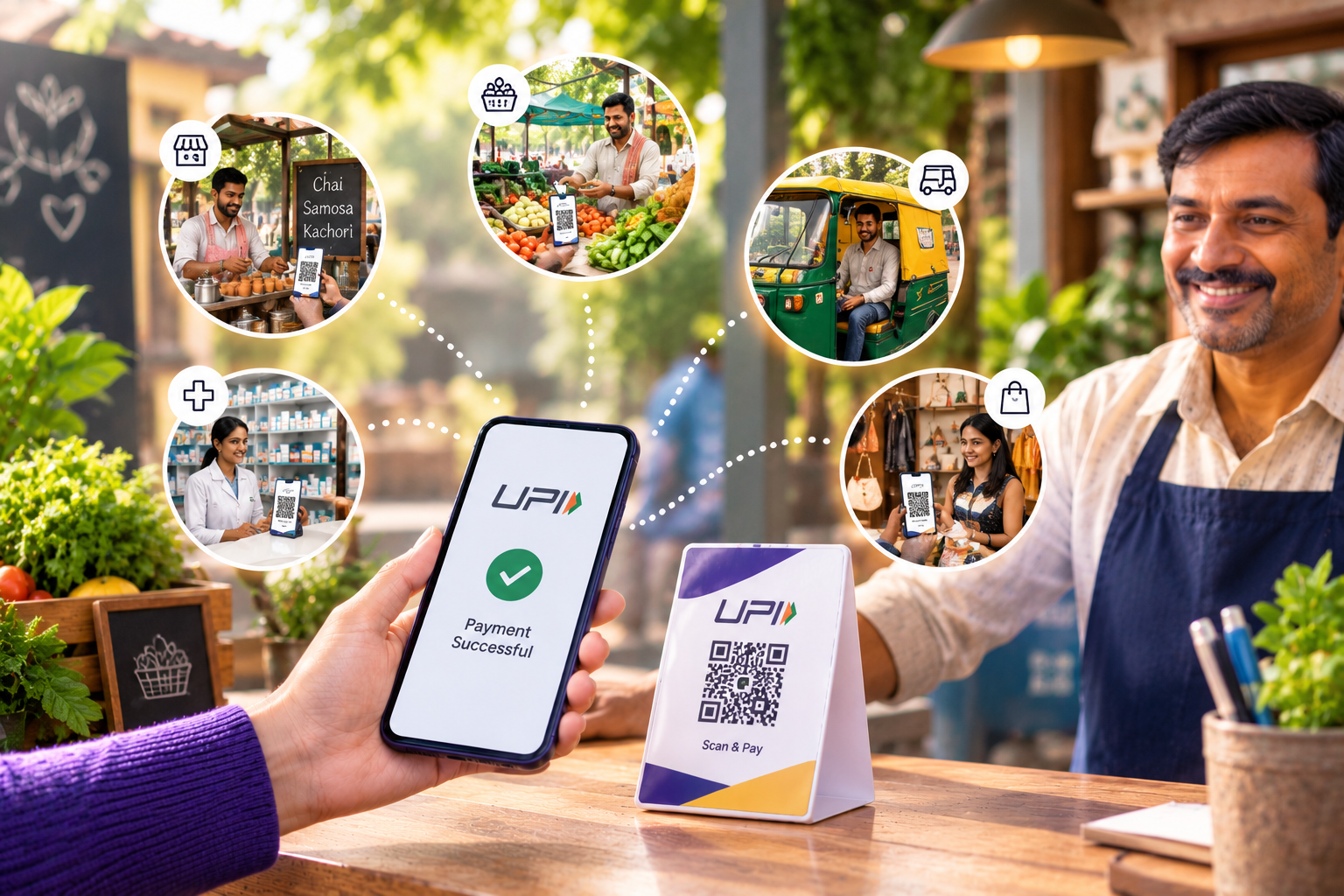
The alternative of UPI payment offline can be beneficial in scenarios of low internet connectivity or where connectivity is rare.
If you are buying from a small shops or local merchants and suddenly your phone popped up with no internet connection, an alternative option of offline payment method would be considered beneficial.
Online transactions are highly used to manage routine expenses. Offline UPI payment will be considered beneficial especially when travel across areas where mobile connectivity is low or inconsistent.
One of the biggest benefits offline payment services can provide is, they can improve access to digital payments in areas where reliable Internet connectivity may not be available at all times.
Another useful feature is when you want to make an eligible payment but your regular UPI App isn’t functioning due to some internet issue, then this feature might come handy.

While offline payment methods can be convenient, here are a few precautions you should take.
If a service requires your mobile number for authentication, ensure that you are only using a number that’s linked to your bank account.
The limits of offline payment methods differ. Before you make a transaction, verify the current applicable regulations.
Remember: UPI PIN should never be shared with anyone. Your bank or payment service provider will never ask you to share your PIN with another person.
Verify the recipient details before confirming a payment. A valid transaction sent to the wrong person could be impossibly challenging to roll back.
When you are traveling to some area where there could be poor connectivity, so having some cash or any other payment option will be useful if offline service is unaccessible.
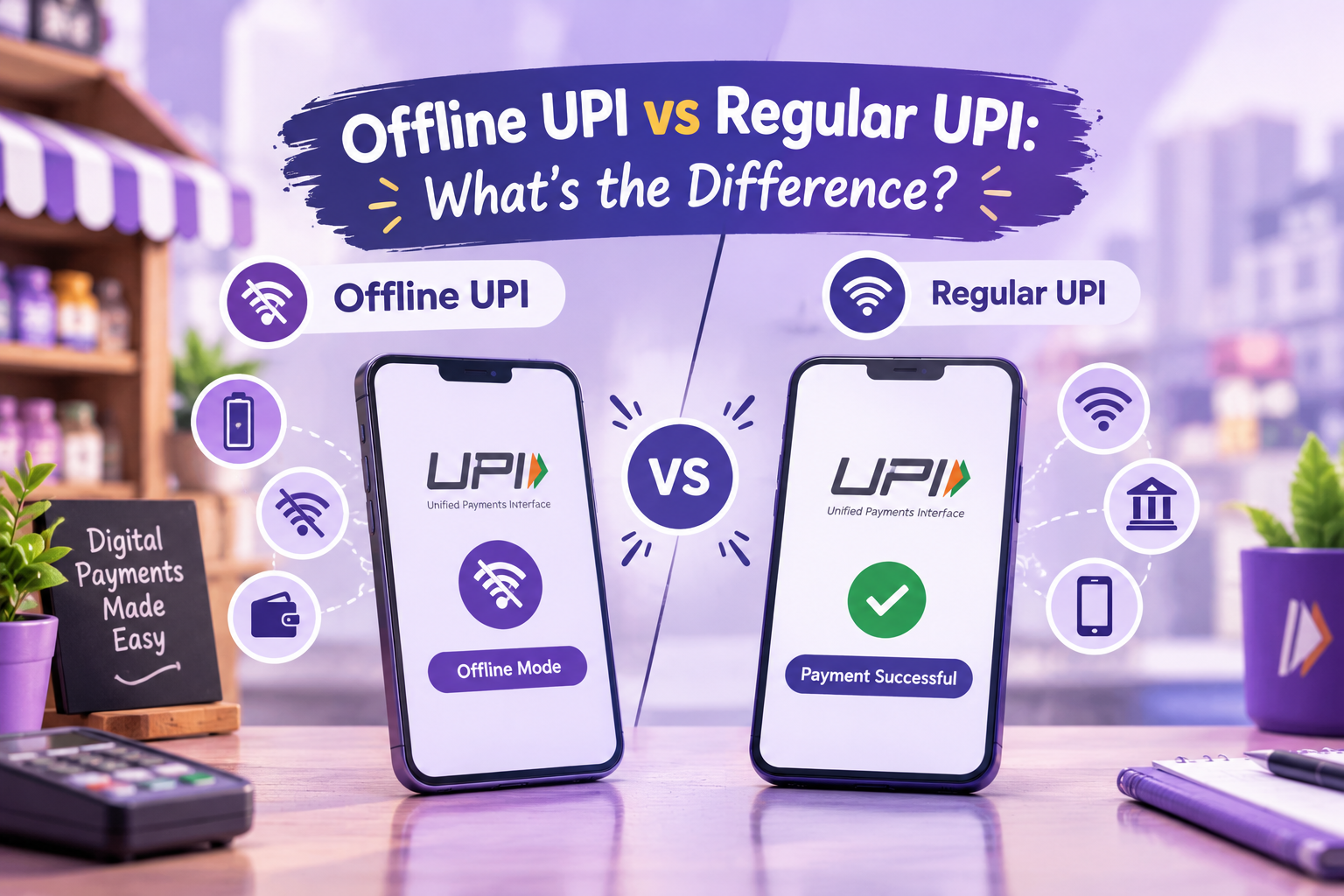
| Feature | Regular UPI | Offline UPI |
|---|---|---|
| Internet Connectivity | Generally required | Not required for supported methods |
| Smartphone | Usually used | Depends on the method |
| Payment Methods | UPI apps | *99#, UPI 123Pay, and others |
| Best suited for | Regular digital payments | Low-connectivity situations |
| Availability | Widely available through UPI apps | is dependant on the shared service or user eligibility |
The primary difference is the access of transaction. Regular UPI constantly functions through appropriate application linked to the internet, while offline options use alternative channels or supported systems.
When there is no internet connection available, UPI offline payments can be more convenient than using non-digital methods such as cash. Features like *99# and UPI 123Pay allow the user to utilize eligible payment services without full reliance on a smartphone or mobile data.
These techniques are especially valuable for low-connectivity areas and day-to-day payments. But still, before processing a transaction, users should cognize the associated limits, prerequisites and the protective measures in place. Knowing these alternatives can keep you prepared during times when UPI payments are not possible due to technical issues.
Yes, some UPI services are available that allow you to make a payment without using normal mobile internet, including *99# and UPI 123Pay. But offer and transaction terms are based on a portion of the service, bank or user qualification.
You can initiate payment by dialling *99# on the mobile number registered with your bank using the USSD options. You would also need to submit your payment info and then enter UPI PIN to authorize.
The offline UPI services are designed in such a way that they use the authentication and security model that suits the service. However, users must exercise some safety measures like never sharing their UPI PIN and checking the recipient details before confirming a transaction.
Not necessarily. The ability to process an offline payment is dependent on the type of payment method, the merchant set up and other conditions including bank support.
Check and confirm that your mobile number, bank account and payment method are in accordance with the requirements. If the transaction is still failed, see your bank for the order state or get in touch with them. Do not initiate a payment twice in a row without knowing whether the previous payment was successfully processed.

“A fintech content specialist with expertise in financial technology, digital banking, and emerging market trends, Kanisha Mathur is skilled in crafting SEO-friendly, research-driven content that transforms complex financial concepts into engaging and accessible insights. Combining analytical precision with compelling storytelling, the writing delivers value to both industry professionals and modern digital audiences.”