POS Integration Explained: Meaning, Working & Benefits
November 28, 2026
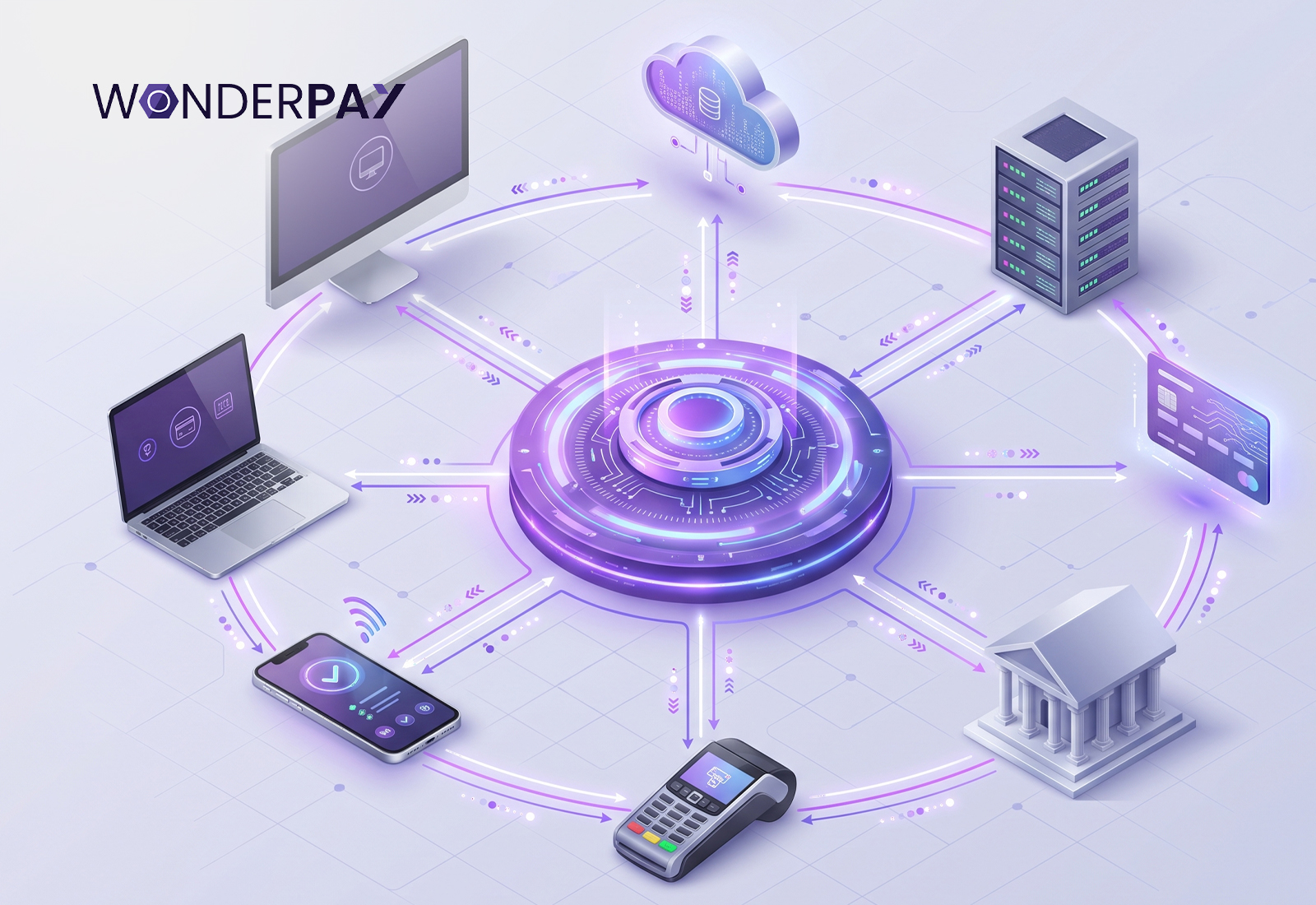
Modern commerce runs on several systems at once: a billing counter, an online store, a payment processor, an inventory tool, and accounting software. Each holds a piece of the same story, yet each was built to work on its own. When they stay isolated, staff re-enter figures, stock counts drift, and reports arrive long after the decisions they were meant to inform.
POS integration addresses this by connecting the point of sale with those systems so that information moves between them automatically and consistently. The benefit is not speed alone. It is a single, dependable version of sales, stock, and customer records that every department can rely on when it plans, buys, and reports.
This guide explains the pos integration meaning in practical terms, the technical routes that make a connection possible, the role of payments and online channels, and the checks that matter before you adopt a solution, so you can judge any setup with confidence.
into it
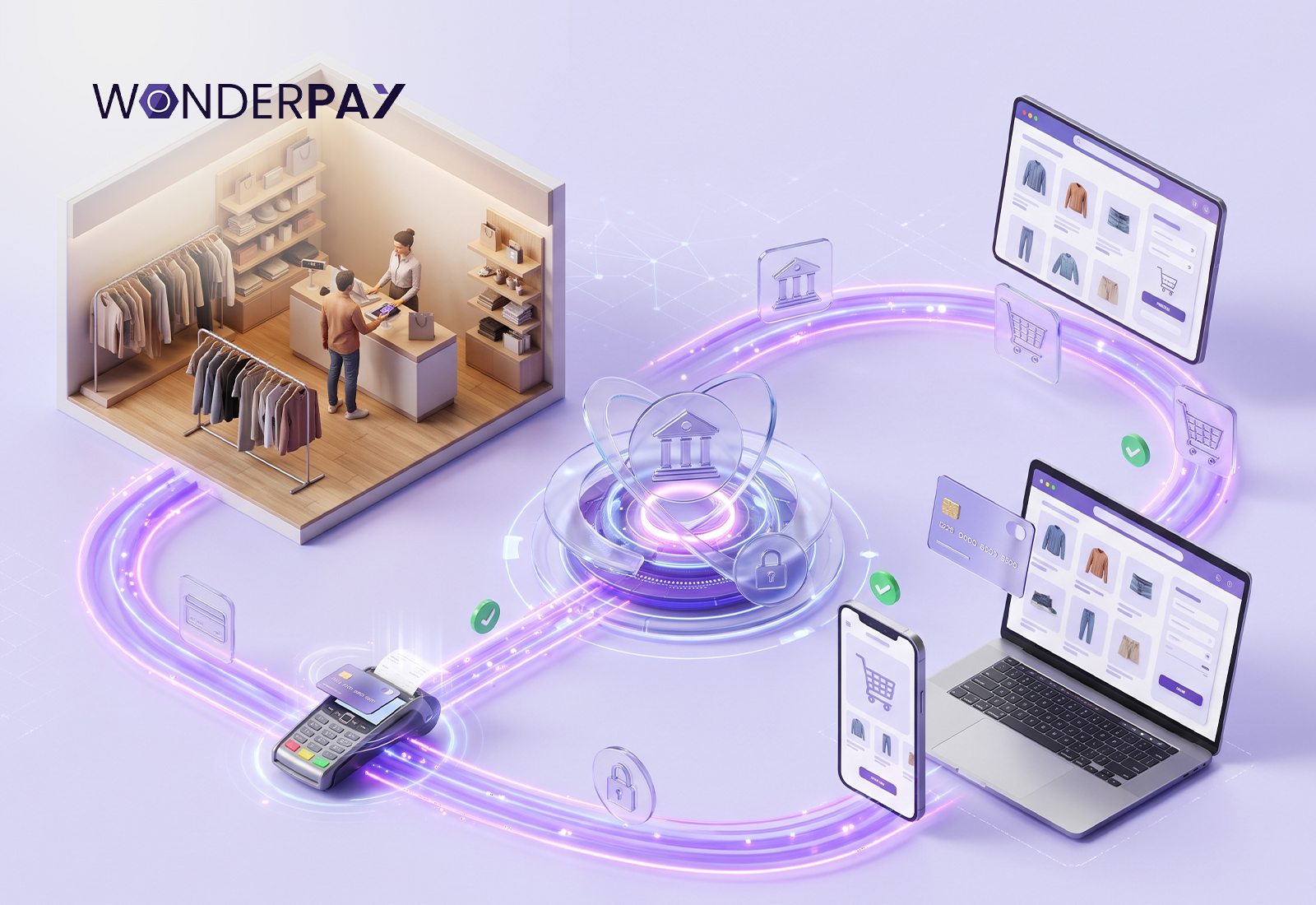
The pos integration meaning is straightforward: it is the automated exchange of data between your point of sale and the other software that runs your business. The POS stops being a place where sales are only recorded and becomes a source that feeds, and is fed by, other systems.
Four kinds of data usually travel between them:
• Catalogue data: product names, SKUs, prices, tax codes, and variants.
• Stock data: quantities on hand, reserved units, and transfers between outlets.
• Transaction data: invoices, payments, discounts, refunds, and settlement details.
• Customer data: contact details, purchase history, and loyalty balances.
Some links only push data outward. A POS that sends every sale to an accounting tool is a one-way connection. Others work in both directions, and that is where pos system ecommerce integration usually sits: the POS sends sales to the online store, while the store sends web orders and price changes back. Two-way sync is more useful and more demanding, because the systems must agree on which one wins when two edits collide.
Before anything connects, assign each type of record to one system. Many businesses let the POS own stock counts, the website own product descriptions, and the accounting tool own tax ledgers. Without that decision, even a flawless link produces conflicting numbers.
Integration supports four operational areas: stock control, financial reporting, customer management, and payment reconciliation. Each improves because the data behind it is captured once, at the source, and never retyped. The result is fewer corrections, faster month-end closing, and reports that reflect what is happening now rather than last week.
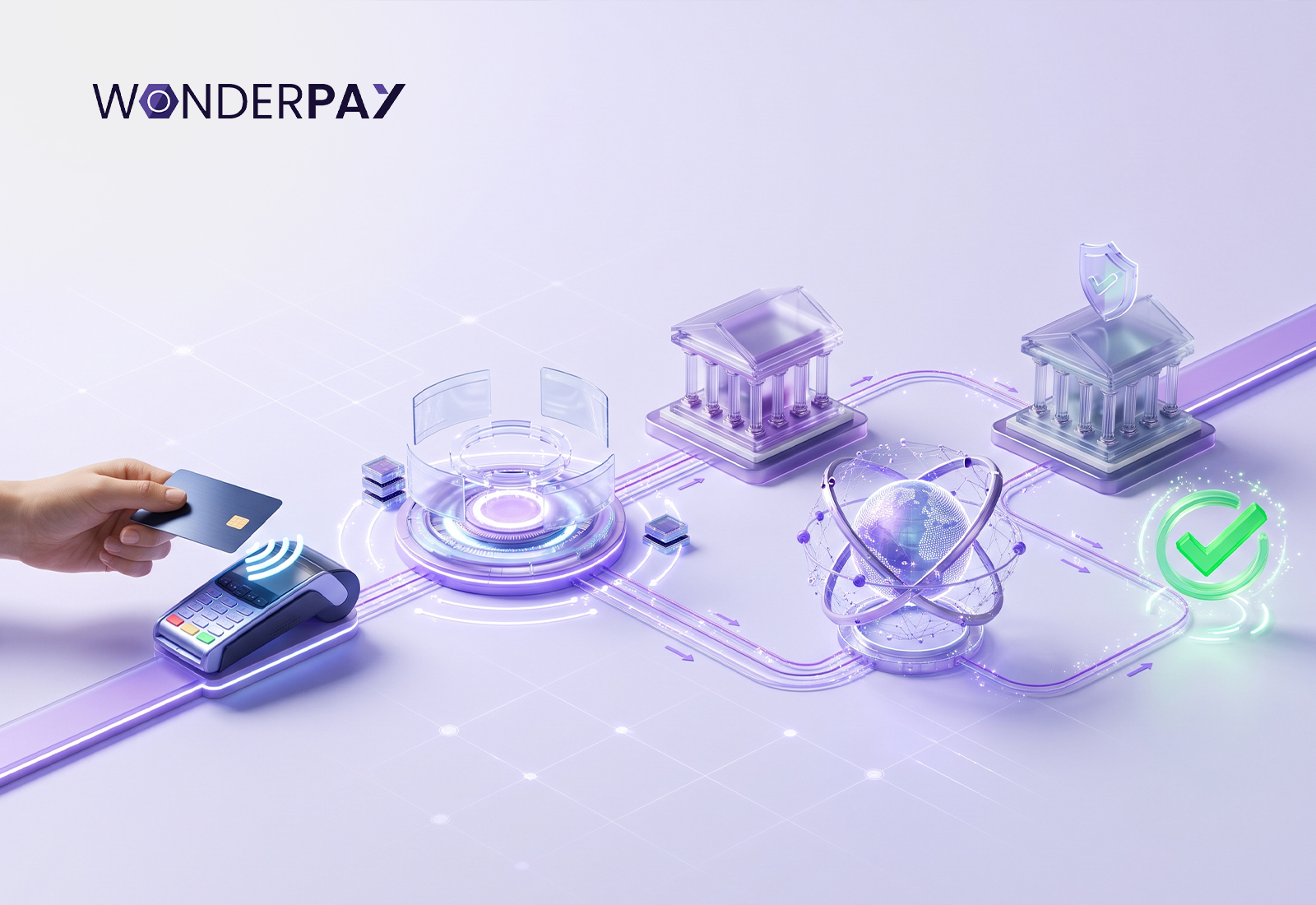
A business with an integrated POS system relies on one of three technical routes. The route you choose decides how flexible, fast, and costly the connection will be.
Many POS vendors build connections to popular tools themselves. You enter credentials, map a few fields, and the link runs. Setup is quick and support sits with one vendor, but the range is limited to whatever that vendor has built.
An API lets one program ask another for data or send it an update. A webhook works the other way round: the source system announces an event, such as a completed sale, the moment it happens. APIs suit scheduled checks and bulk updates, while webhooks suit anything that must reach another system immediately. Custom work built on them gives full control, though it needs a developer and ongoing maintenance whenever either side changes.
Middleware sits between systems that were never designed to talk to each other. It translates formats, queues messages, retries failed ones, and logs every transfer. Integration platforms sold as a service offer this route without custom code, which suits businesses that run tools from several different vendors.
Behind a simple sale sit a few quiet safeguards. Each message carries a unique reference, so a retry never creates a duplicate order. Failed transfers wait in a queue instead of vanishing. When the internet drops, a good integrated POS machine keeps billing offline and sends everything once the connection returns. These details decide whether a link survives a busy Saturday, and they are worth asking any vendor about.

Payments are where integration touches cash flow, accuracy, and compliance. How the card device connects to the billing software determines how reliably each transaction is recorded and settled, and how much sensitive data your own systems must handle.
In a basic setup, the cashier reads the total from the billing screen and types it into a separate card machine. Mistakes creep in, reconciliation takes hours, and nobody can say which card slip belongs to which bill.
With pos payment integration, the billing software sends the exact amount to the payment device and receives the result: approved, declined, or cancelled, along with a transaction reference. That reference is saved against the invoice, so the day’s settlement can be matched line by line.
An integrated POS machine goes further by combining the billing terminal and card reader in one unit, or by pairing them through a certified connection. Good pos machine integration also supports UPI QR codes, wallets, and split payments from the same screen, which matters wherever customers pay in several ways.
When card details travel straight from the reader to the payment processor, they never pass through your billing software. That narrows the systems covered by card-data standards such as PCI DSS and lowers your compliance workload.
Selling through a physical outlet and a website creates two sets of records that must agree at all times. This section explains what a connection between them does, and the points where it most often fails.
POS ecommerce integration keeps the shop floor and the online store reading from the same data. When a unit sells at the counter, the website count drops. When a web order arrives, the POS reserves the stock and prints a pick list. Businesses that set up pos system ecommerce integration properly also gain click and collect, ship from store, and returns accepted at any location. A shared customer record is a quiet bonus: you can see what someone bought online and what they exchanged in store.
Three issues cause most failures. First, variants: if the website treats a product as one item while the POS tracks each size or colour separately, stock counts drift apart. Second, timing: a sync that runs every few hours lets two buyers claim the last unit. Third, pricing: a promotion created in one system and forgotten in the other leads to awkward disputes at the till.
Prevent these by standardising SKUs before the first sync, choosing near real-time updates for fast-moving items, and creating every promotion in one place.
Begin with the tools you already use and confirm that each one connects natively, not just in theory. Then check how often data moves: stock, prices, and orders should update in minutes, not hours. Verify that pos payment integration supports the cards, UPI, and wallets your customers prefer, and that pos system ecommerce integration handles product variants, bundles, and returns without manual correction.
A connection is only as dependable as its worst day. Look for offline billing that resumes syncing automatically, and for error alerts that surface failed transfers on a dashboard instead of a buried log file. Confirm that printers, scanners, and any integrated POS machine are certified to work with the software you plan to use.
Request the full cost picture: setup fees, per-terminal charges, API usage limits, and the price of adding an outlet or sales channel. A low entry price can hide expensive growth, so ask how pricing changes at twice your current volume.
Pilot the system at one outlet with a limited product range before expanding. Run pos machine integration for a week, compare card settlements with invoices, and check system stock against a physical count. If you sell online, test pos ecommerce integration on a small set of items first. Afterwards, track reconciliation time, stock mismatches, checkout speed, and stock-related order cancellations to see whether your POS integration is paying off.
A dependable integrated POS system earns its value by keeping every record consistent from the counter to the ledger. Most businesses build toward it in stages: pos payment integration first, to end re-keying at checkout; then pos ecommerce integration as online orders grow; and eventually pos system ecommerce integration across every outlet and channel. Clean product data, clear ownership of records, and a tested rollout matter more than any feature list. Get those right, and pos machine integration becomes routine rather than disruptive. Start small, measure the results, and expand once the numbers confirm the gain.
Want to be a part of the Wonderpay community? follow us on:
Youtube: https://www.youtube.com/@wonderpaytec
Instagram: https://www.instagram.com/wonderpaytec
LinkedIn: https://in.linkedin.com/company/wonderpay-technologies-pvt-ltd
Facebook: https://www.facebook.com/wonderpaytec
Twitter: https://x.com/wonderpaytec
It is the automatic exchange of data between your point of sale and other business software, such as your website, accounting tool, and inventory system, so nobody has to enter the same information twice.
A standalone terminal only records sales at the counter. An integrated POS system shares those sales, stock changes, and customer details with other connected tools as they happen.
Usually not. Most popular POS and online store platforms offer ready-made connectors you can switch on yourself. A developer becomes useful for custom workflows or unusual tools.
A regular machine needs the amount typed in by hand. An integrated POS machine receives the amount directly from the billing software and sends back the payment result and transaction reference.
A basic connection using a ready-made connector can run within a day or two. Multi-outlet rollouts that include testing and staff training often take two to four weeks.
Yes, when the payment device encrypts card details and sends them straight to the processor, so your billing software never stores them. Always confirm that your provider complies with PCI DSS.

“A fintech content specialist with expertise in financial technology, digital banking, and emerging market trends, Kanisha Mathur is skilled in crafting SEO-friendly, research-driven content that transforms complex financial concepts into engaging and accessible insights. Combining analytical precision with compelling storytelling, the writing delivers value to both industry professionals and modern digital audiences.”